Page 1 of 2
Waptconsole problem: "Division by zero"
Published: Dec 12, 2025 - 09:55
by stephaneB
Hello,
some of my colleagues are experiencing a problem that renders the console unusable. When they launch the console, they get the following error:
"Division by zero.
Press "OK" to ignore and risk data corruption.
Press "Abort" to close the program.
"
I tried reinstalling the agent package from my console on one of these machines, but it didn't change anything. (This seems to have started since we recently upgraded from version 2.5 to 2.6.)
Thank you in advance for your help.
Re: waptconsole problem: "Division by zero"
Published: Dec 12, 2025 - 11:06 AM
by blemoigne
Hello,
this might be a custom column they added. The data may no longer exist in the database since the update.
I have the impression that resetting the console display isn't working.
To unblock them, you would need to rename their c:\users\ file.
I'll discuss this with the development team regarding the display reset.
Best regards,
Bertrand
Re: waptconsole problem: "Division by zero"
Published: Dec 12, 2025 - 11:22
by Esberard
We have the same problem with 2 managers on the latest release.
Re: waptconsole problem: "Division by zero"
Published: Dec 12, 2025 - 11:59
by stephaneB
Thanks, we'll test that.
On a related note, I don't know if it's connected, but since this version, the display resets every time the console is reopened; that is, all the windows and columns are resized in a way that's not very visually appealing. If you have any tips for that too...
Re: waptconsole problem: "Division by zero"
Published: Dec 12, 2025 - 12:04
by stephaneB
Result: resetting the waptconsole.ini file did not solve the problem. *sniff*
Re: waptconsole problem: "Division by zero"
Published: Dec 12, 2025 - 12:06
by Esberard
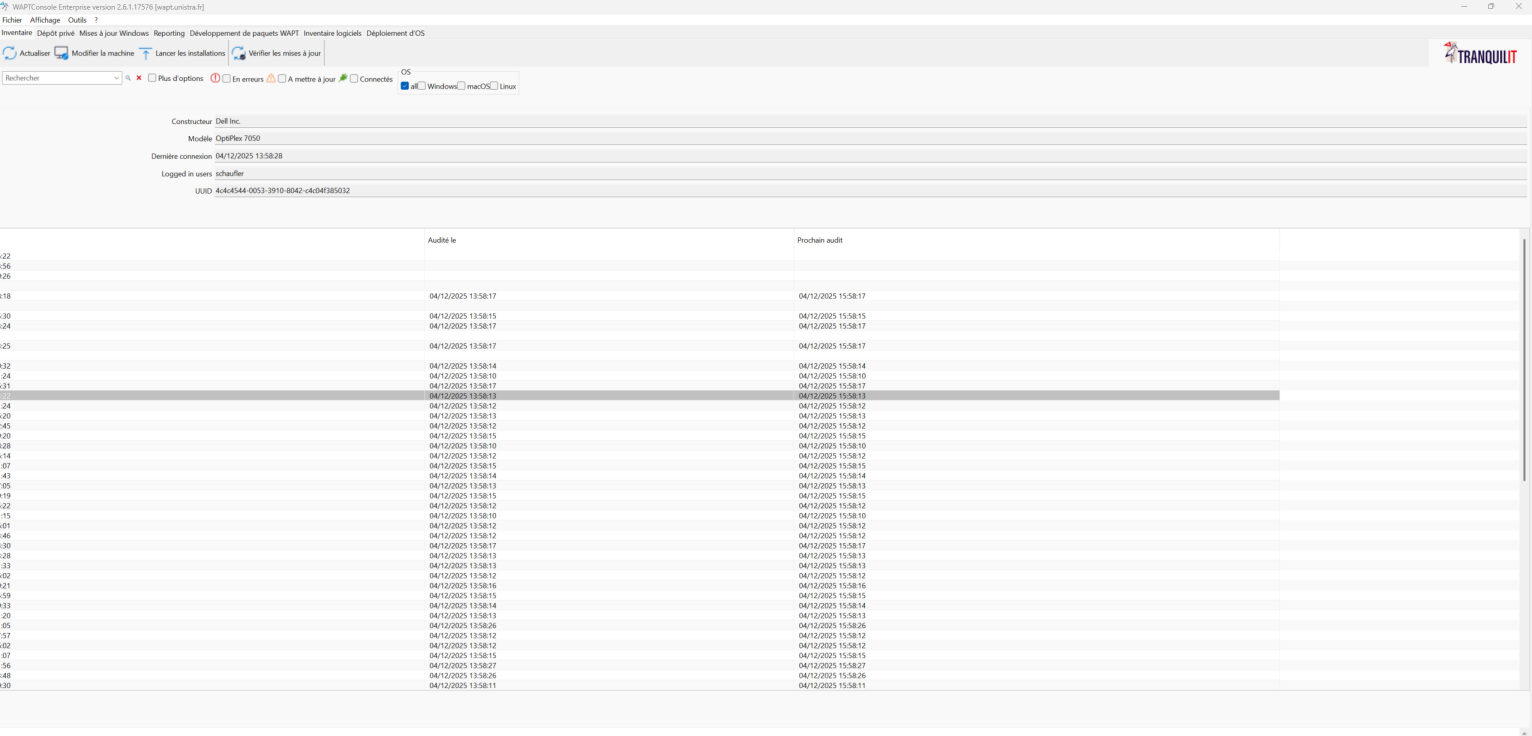
Like this?
- image.png (177.64 KB) Viewed 27838 times
Re: waptconsole problem: "Division by zero"
Published: Dec 12, 2025 - 12:35
by blemoigne
@stephaneB
Oh sorry, I made a mistake with the path, there is a waptconsole.ini file in C:\Users\
Regarding the display that resets each time the console is reopened, I'll pass this on to the development team.
Best regards,
Bertrand
Re: waptconsole problem: "Division by zero"
Published: Dec 12, 2025 - 2:07 PM
by stephaneB
Our solution was to delete the \waptconsole folders in c:\users\<user> \appdata\ local and roaming, then restart the console and reconfigure it. That also solved my display problems.
Re: waptconsole problem: "Division by zero"
Published: Dec 12, 2025 - 2:35 PM
by Esberard
stephaneB wrote: ↑Dec 12, 2025 - 2:07 PM
On our end, the solution was to delete the \waptconsole folders in c:\users\
This solution has already been implemented in our case, but sometimes the problem recurs the next day, so it remains to be seen if the solution works for you.
Re: waptconsole problem: "Division by zero"
Published: Dec 12, 2025 - 7:47 PM
by htouvet
There is indeed a major bug with saving/reloading the grid and panel layout when not at 96dpi.
The design is created at 96dpi, and when the application loads, all elements are scaled if the screen is not at 96dpi.
The problem with saving the layout is that it saves a layout that is already scaled.
When it is reloaded in the next session, the scaling is reapplied to a layout already at the correct high dpi, so everything shifts exponentially.
Therefore, we need to save the layout upon exiting the application (file %APPDATA%/waptconsole/waptconsole.ini) by applying inverse scaling to return to 96dpi.
We are working on a solution as quickly as possible.